Drills and homework
Coaches assign a drill as homework to the whole team or to chosen players, with a demo video, steps and a target like 3 sets of 60 seconds. Players check off each set or send a video, and coaches see who did it and reply.
How to use it
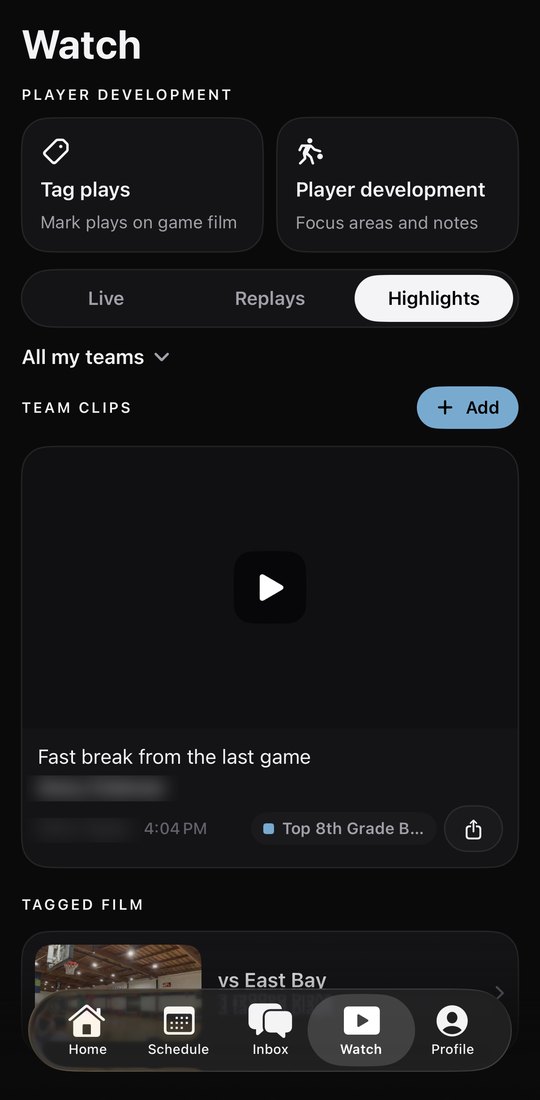
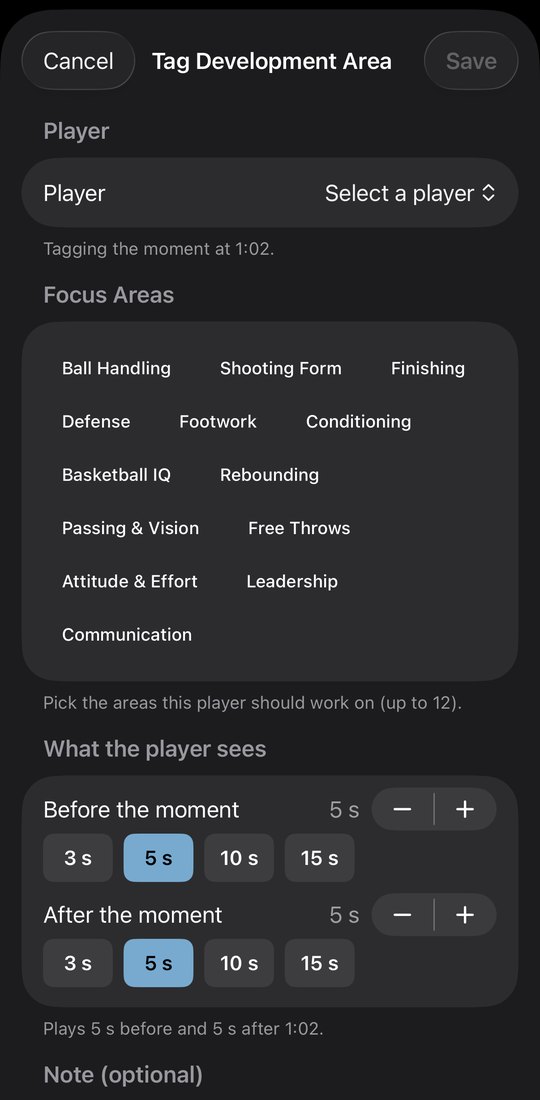
- Coaches: open Homework. On iPhone it is in Profile, then Development, then Plays and homework. On Android it is on Watch, under Player development.
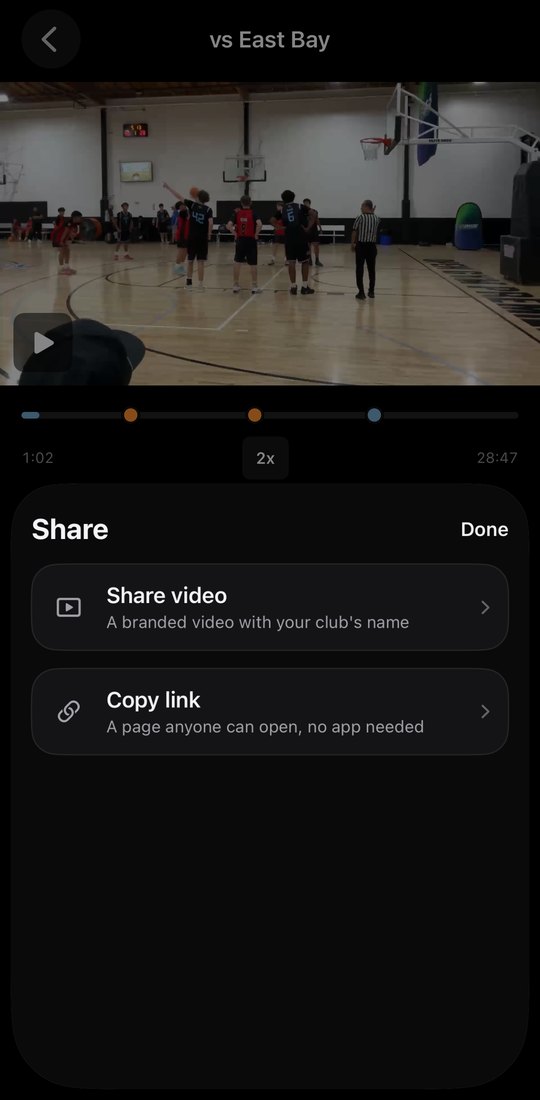
- Tap New homework. Record or choose a demo video, or use a clip from your game film, then add the steps and the target.
- Pick once or every day, and whether players check it off or send a video. Tap Assign homework and your players get a notification.
- Open a homework to see who is done, watch the videos, tap Send reply, or remind everyone who has not finished.
- Players: open Homework, check off each set or send a video. The coach's reply lands in Coach notes, where parents see it too.